From idea to creation.
AI-native CNC / CAD / CAM software for Mac and iPad. Design. Program. Make. Faster.
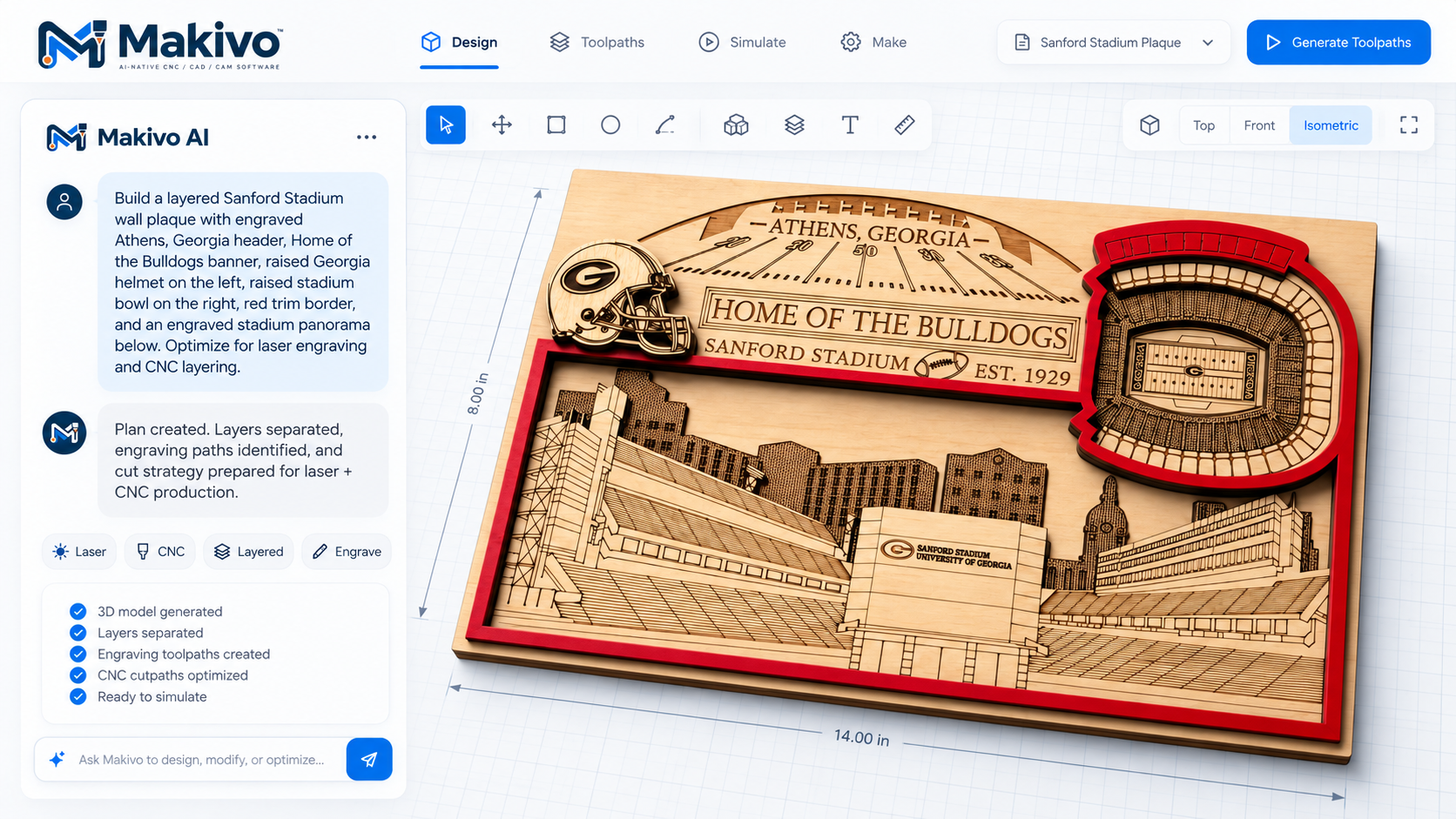
Supplied Makivo demo. Interface subject to change; not evidence of a released or physically validated workflow.
The Precision Path · planned workflow
One flow, start to finish.
Idea → Design → Edit → Prepare → Preview → Manufacture. Each operation requires verification before release.
Design
Sketch, import and shape 2D and 3D parts with tools that feel native on Mac and iPad.
Program
Turn designs into toolpaths with AI assistance that explains every choice it suggests.
Make
Preview, verify and export your job — from idea to finished part, with fewer surprises.
Made for Mac. Made for iPad.
Two native apps are in development for CAD/CAM workflows — keyboard and trackpad precision on Mac, Apple Pencil and touch on iPad. Not an iPhone app, and not a web wrapper.
macOS
Planned: direct notarized download and Mac App Store.
iPadOS
Planned: distribution through the App Store.
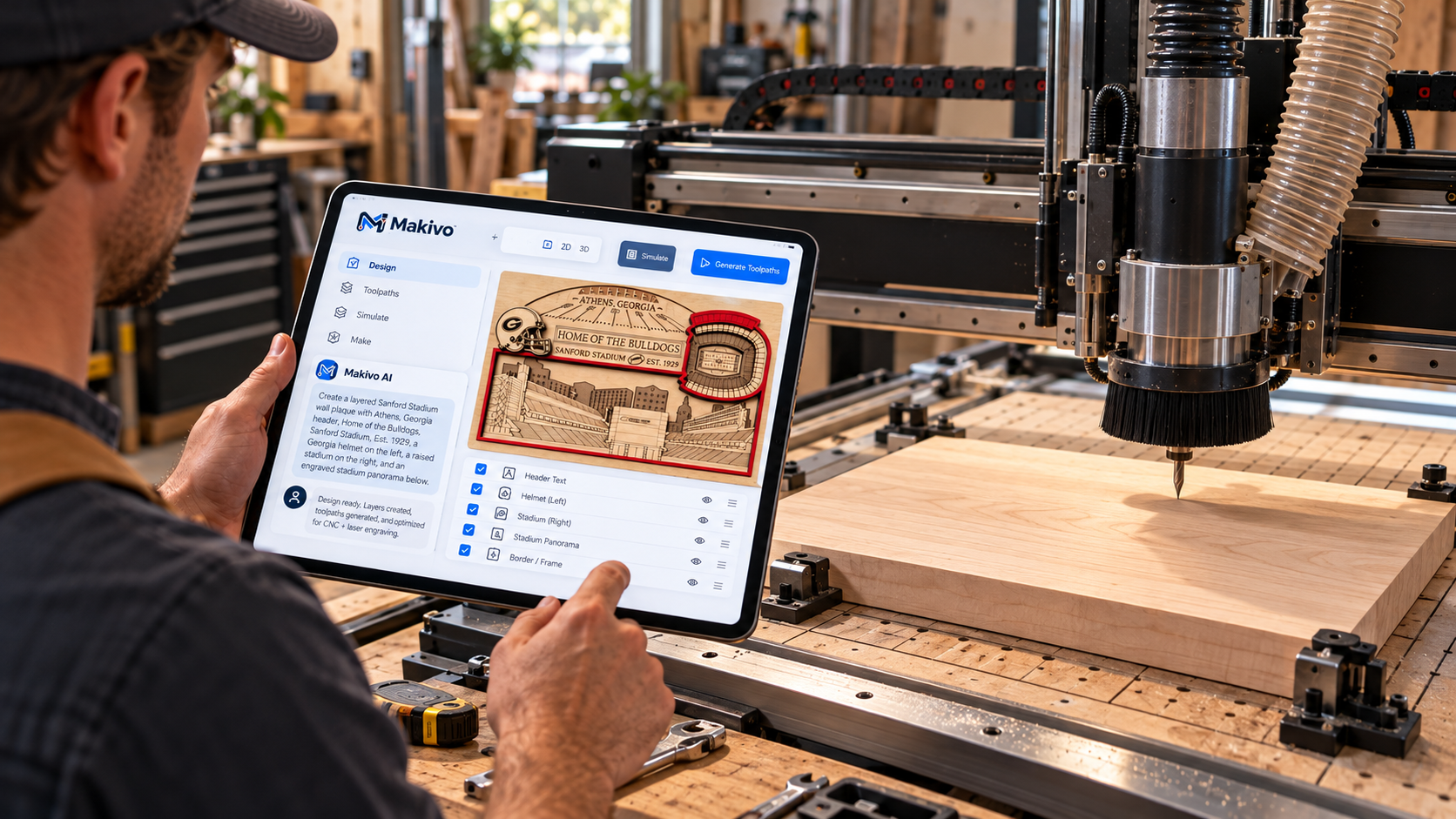
Demo: the same plaque project on iPad next to the machine. Concept render.
AI that helps — and shows its work.
AI-assisted design, toolpaths and strategy explanations are planned. The supplied demo shows the intended experience, not proof of released generation or safe machining settings.
CNC
Routing, carving and CAD/CAM.
Planned workflows for woodwork, signs and reliefs. No machine configuration is currently verified.
Explore CNC plansLaser
Engraving and cutting research.
Vector, raster and controller research; not yet released. Machine suitability and material safety are separate checks.
Explore laser researchMachine intelligence
Check the configuration, not just the brand.
Controller records currently describe research candidates. Each operation needs versioned evidence.
- FluidNCUnder evaluation
CNC · Controller family; no machine model verified
- GRBLUnder evaluation
CNC · Controller family; no machine model verified
- grblHALUnder evaluation
CNC · Controller family; no machine model verified
- LinuxCNCUnder evaluation
CNC · Controller family; no machine model verified
- Mach3 / Mach4Under evaluation
CNC · Controller family; no machine model verified
- MassoUnder evaluation
CNC · Controller family; no machine model verified
- RuidaNot verified
Laser · Controller family; no machine model verified
Under evaluation is not support. File export does not imply direct machine control.
Check your exact configurationProject references
Inspect the supplied plaque concept. Genuine starter files and physical test evidence are still required.
ExploreMakivo Academy
Start with source-backed fundamentals. App-specific lessons stay gated until functionality is verified.
ExploreDocumentation & trust
Read current product facts, verification requirements and support resources. No fabricated reviews.
ExploreA few important answers.
Can I download Makivo now?
Not yet. Mac and iPad apps are in development; you can register your early-access interest.
Does Makivo support my CNC or laser?
No machine configuration is currently verified. The directory shows research status, not support.
What does Makivo cost?
Pricing and licensing are undecided. No paid plans or trial activation have been announced.
Is Makivo an iPhone app?
No. The intended native platforms are macOS and iPadOS.
Makivo for Mac and iPad.
Downloads open after verified releases. Register your interest today.